
A text-based RPG app with a real server behind it
Most text-based RPG apps are single-player stories. BELLOCCO is the other kind: a persistent multiplayer world you carry in your pocket, with the same account on your phone and in the browser, push notifications when something happens and a season that runs whether you are online or not.
Updated
Screenshots
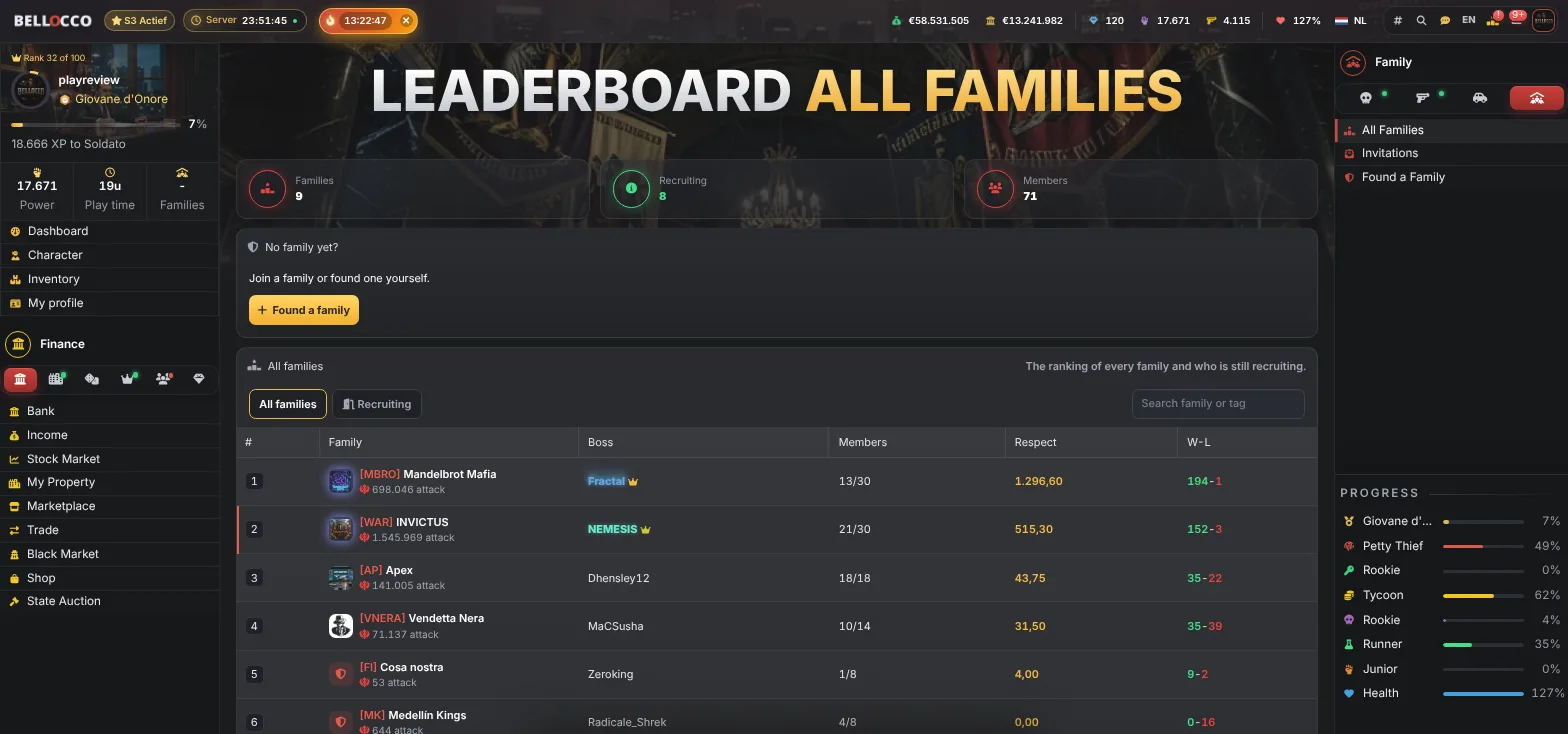
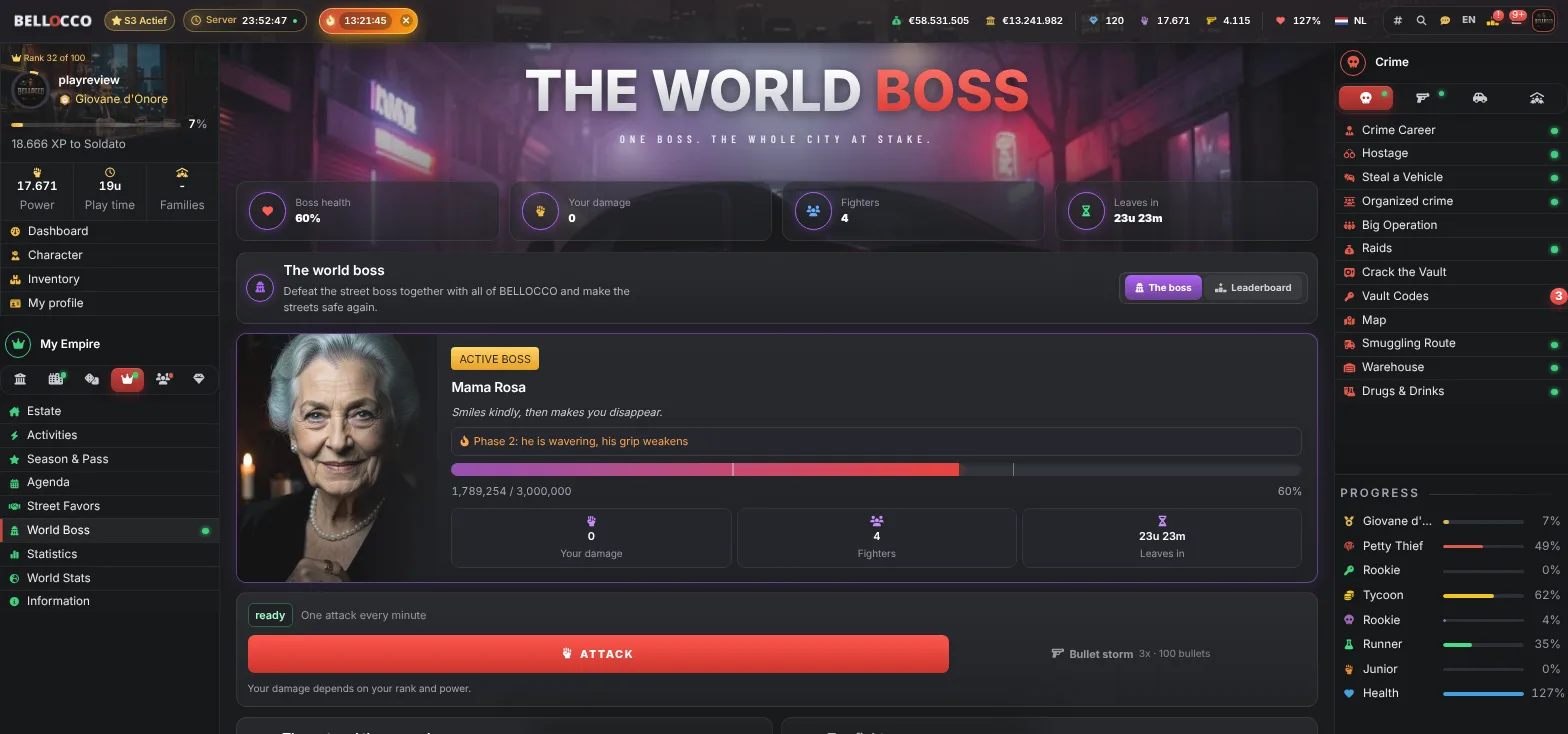
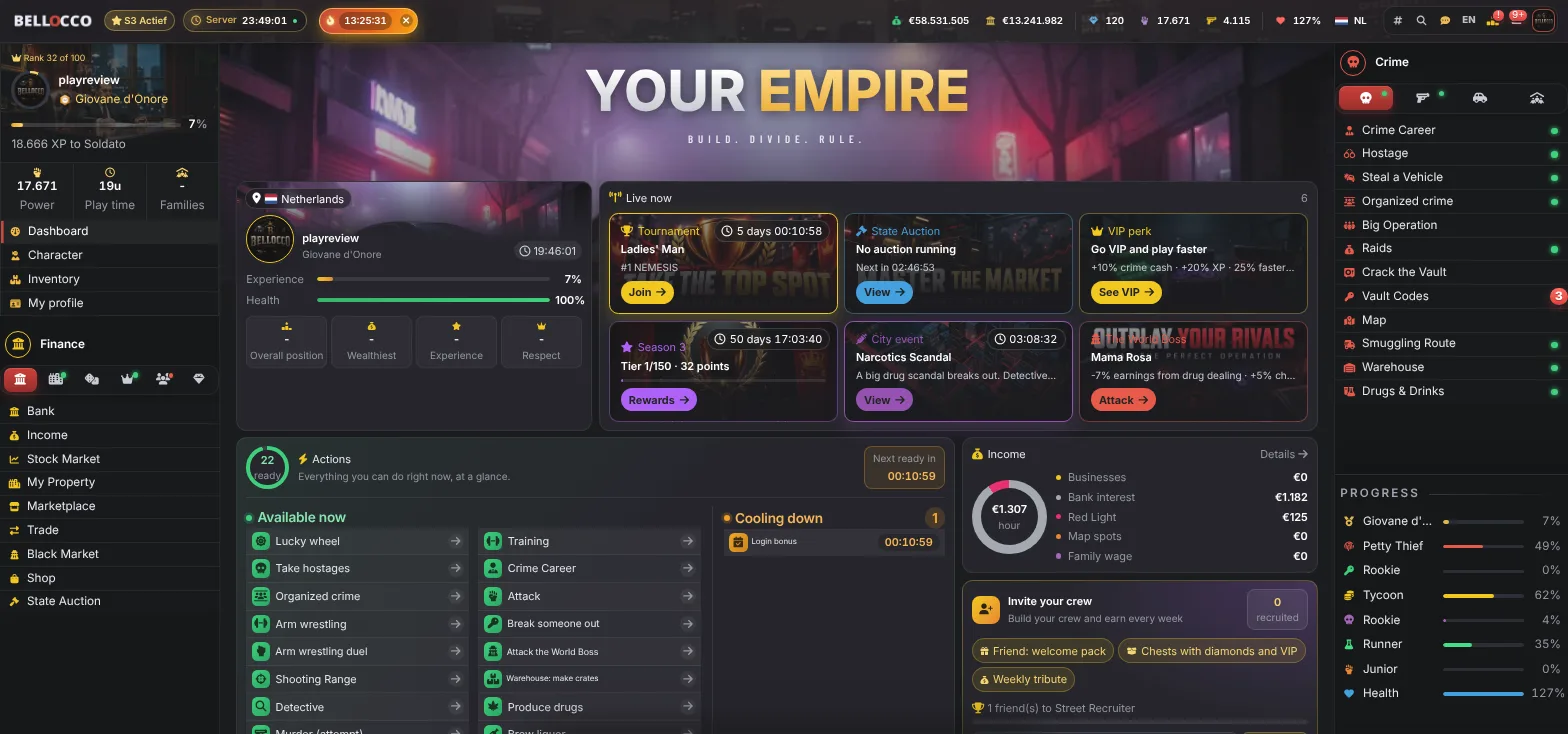
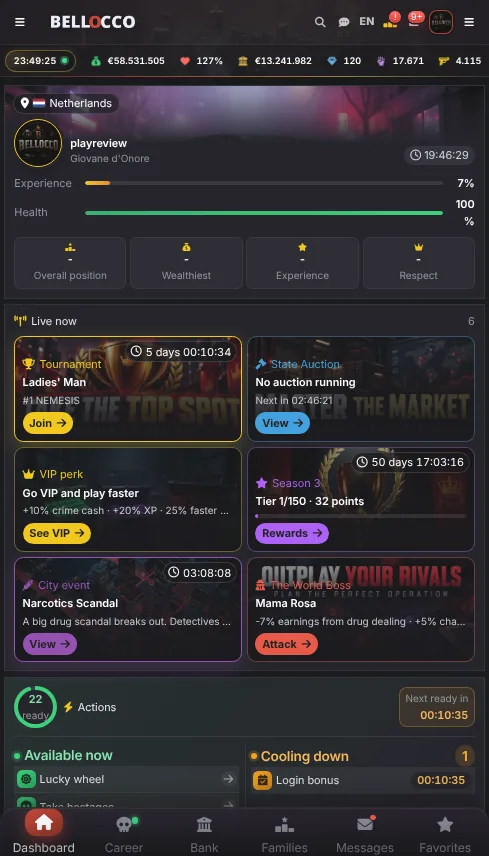
Start in 60 seconds
Create a free account with your email, Google or Discord. No credit card needed.
Follow the short onboarding: your first crime, your first cash, your first case.
Join a family, start climbing the rankings and be there when the World Boss spawns.
Live from the game: weapons
| Weapon | Damage | Price |
|---|---|---|
| Mano del Silent Killer | 235 | €9,700,000 |
| Fucile del Capo dei Capi | 235 | €9,700,000 |
| Trono del Cartel | 220 | €9,400,000 |
| Golden Don AR of the Godfather | 220 | €9,400,000 |
| Morte Silenziosa dell'Hitman | 205 | €9,100,000 |
Two kinds of text-based RPG apps
Search the app store for a text-based RPG and you get two very different things. The first is interactive fiction: a story with choices, played alone, finished in a few hours. The second is a persistent multiplayer game where the app is a window on a world that keeps running on a server, with other players as rivals and allies. BELLOCCO is the second kind.
The practical difference is what happens when you close the app. In a story app, nothing. In BELLOCCO, your businesses keep earning, your family keeps fighting, the season keeps counting and a push notification tells you when something needs you.
What the BELLOCCO app does
The Android app and the browser game share one account, so you can start a session on your desk and finish it on the bus. The app adds push notifications for attacks, jail release, season rewards and the weekly World Boss. Everything else is the full game: 100 XP ranks, crimes, a drug lab, smuggling routes, 100 cars, a casino, a stock market, families with wars and a live city map.
It is free on Google Play, there is no pay-to-win, and the game is available in 8 languages. If you are on iPhone, the mobile browser version works the same way; add it to your home screen and it behaves like an app.
Short sessions by design
Actions have timers and cooldowns, so a text-based RPG works well in short bursts: two minutes to run crimes and collect income, ten minutes in the evening for a heist with your family. Nothing forces you to be online all day, and the season system means a player who checks in daily can compete with someone who plays for hours.
What an app changes for a text RPG
A text RPG on a phone lives or dies by notifications and by how fast you can reach the next action. The Android app adds push alerts, a frame without browser bars, bottom navigation and quick search. The game itself is identical to the website, and your account works in both.
That is helpful for a cooldown game, because the best moment to play is when something is ready. The app tells you when you were attacked, when you are released from jail, when a message arrives and when a city event or World Boss starts.
Installing and first launch
Get BELLOCCO: Mafia Empire from Google Play, log in or create an account and allow notifications when asked. You can change the choice later in the game's notification settings or in Android settings. The first time you play through the app a one-time welcome bonus in diamonds is credited.
If you play on an iPhone, there is no native app. Open the site in Safari and use Add to Home Screen, which gives a launcher icon, though not Android-style push alerts.
Using the app well
Keep alerts that matter and silence the rest. Use the quick search to jump to a page instead of paging through menus. Bank money before closing the app. Play a loop of crimes, a Gym set and a look at the daily tasks in five minutes.
Purchases inside the app go through Google Play and are optional. Ratings on Google Play are voluntary and not rewarded.
App or browser
Choose the app if you want alerts and a cleaner frame. Choose the browser if you play from several devices or do not want to install anything. Both show the same game. You can switch whenever you like, because progress is always in sync.
A day on a phone
The app fits into gaps in a day. This is a realistic pattern for a player with ten minutes spread over a day.
- Morning. Open the app, see the login bonus credited, run crimes while the cooldown allows and bank the cash.
- Midday. One Gym set, check the daily tasks and start a drug batch.
- Afternoon. Collect a finished batch, look at the marketplace and attack the World Boss if one is active.
- Evening. A few more crimes, family chat, a street race or a Crack the Vault attempt.
- Before bed. Bank everything, check the season contracts and let the alerts handle the rest.
Privacy and account safety on mobile
Keep your phone locked, use a unique password and turn on two-factor authentication in the account security page. Do not tap links from strangers that ask you to log in, and do not share screenshots that show your account details. The game never asks for your password in chat.
If you change phones, log in with your existing account and nothing else needs moving. If you lose a phone, change your password from another device and end other sessions.
Battery, data and alerts
The app is a thin client in front of a server-run game, so it does not need heavy processing. Battery saving modes on some Android phones block background alerts, so if alerts stop, exempt the app in your battery settings. Data use is modest for pages and small updates.
Alerts are the point of an app for a cooldown game. Review them once a week, because a list that was right for week one is often too noisy by week four.
What to do when you are away from your phone
A text RPG should not take over your day. Banking before you leave, a drug batch or a lab plot running and a bodyguard if you must carry cash let the game work without you. Check back when an alert tells you something happened.
Updating and troubleshooting
Keep the app updated through Google Play. If a page does not load, check your connection and try again; if it keeps failing, open the website in a browser to see whether the game is reachable. For account or payment questions, use the support ticket system from the menu with as many details as you can give, and do not post those details in public chat.
Sound, notifications and discretion
A game that buzzes at work is a problem. Choose which alerts may make a sound, keep the rest silent and use the notification settings to match your day. You can mute events you do not care about and keep the ones that cost you something, such as attacks and releases from jail.
Best browser mafia games: what to look for · Best mobile mafia games · BELLOCCO Gazette
Mafia game for AndroidBrowser mafia gameMobile mafia gameText-based games like TornHow to start in a mafia browser gameWiki: Android appWiki: Notifications and push
Frequently asked questions
Is there a BELLOCCO app?
Yes, a free Android app on Google Play with push notifications. It uses the same account as the browser game. On iPhone, the mobile browser version works the same.
Is the app the full game?
Yes. Every feature of the browser game is in the app, with the same account and progress.
Does it cost anything?
No. The app and the game are free, with no pay-to-win. Premium is optional boosts and cosmetics.
What do the alerts cover?
Attacks, jail releases, messages, city events and the World Boss, each adjustable.
Do I need a new account?
No. The app uses your existing account.
Can I turn off some alerts?
Yes. Each alert type can be switched off in the notification settings.
Ready to rule the underworld?
Create your character in one minute and join over 1,000 players building their empire.