
Mafia game for Android: the free BELLOCCO app
If you want a crime MMO on an Android phone, BELLOCCO has an official free app that shares one account with the website. This guide covers what the app adds, how to install it, how notifications work and the honest limits, including the fact that there is no iPhone app.
Mis à jour
Screenshots
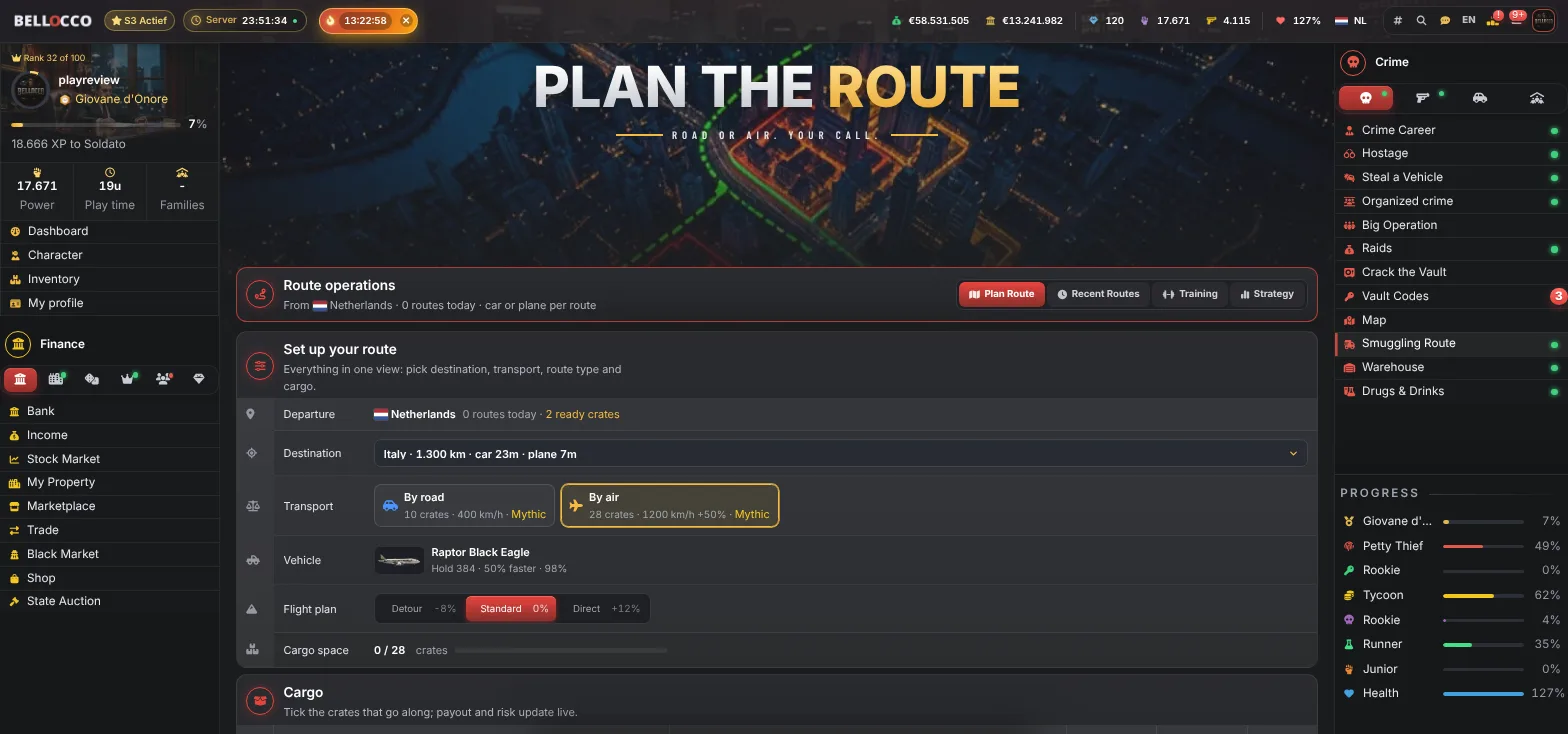
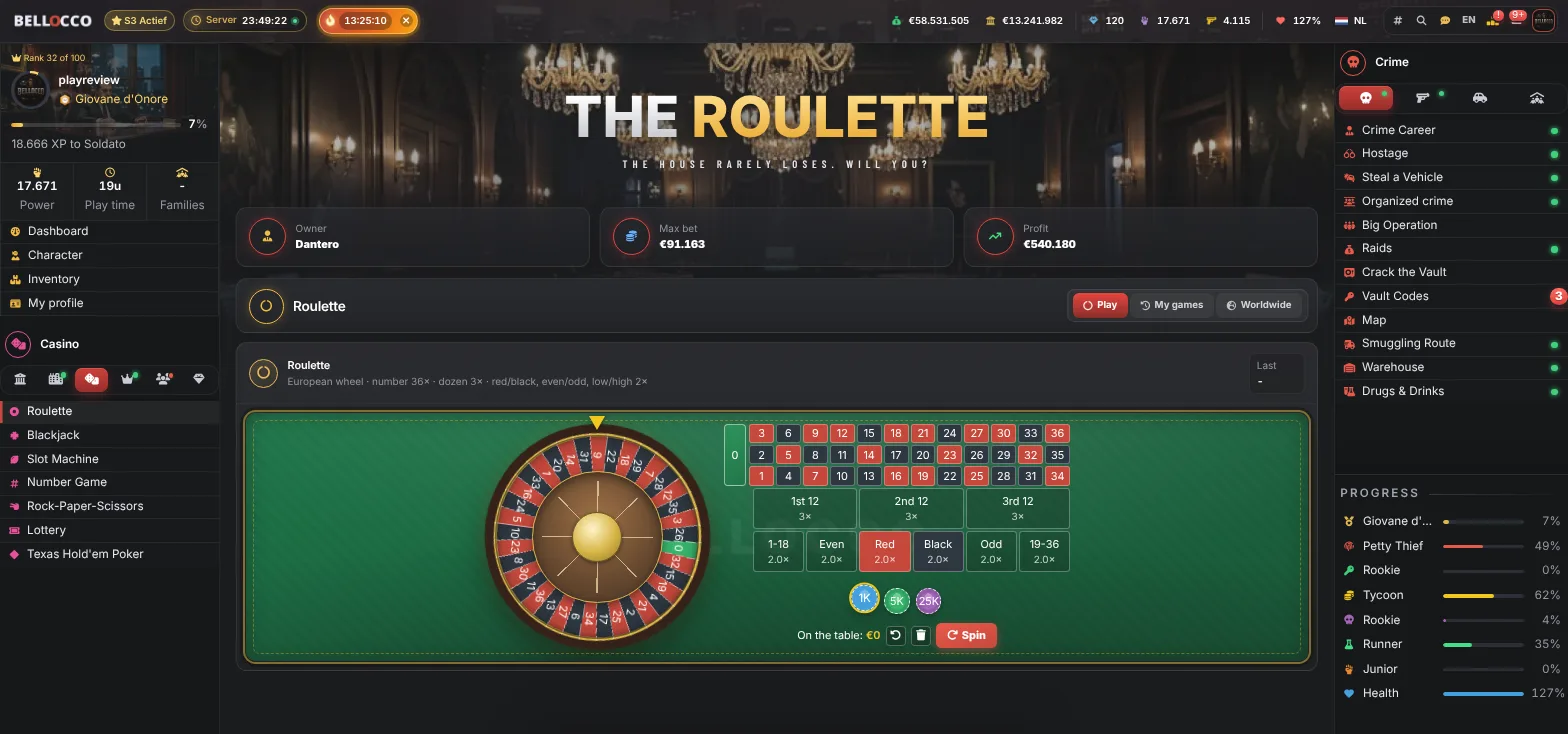
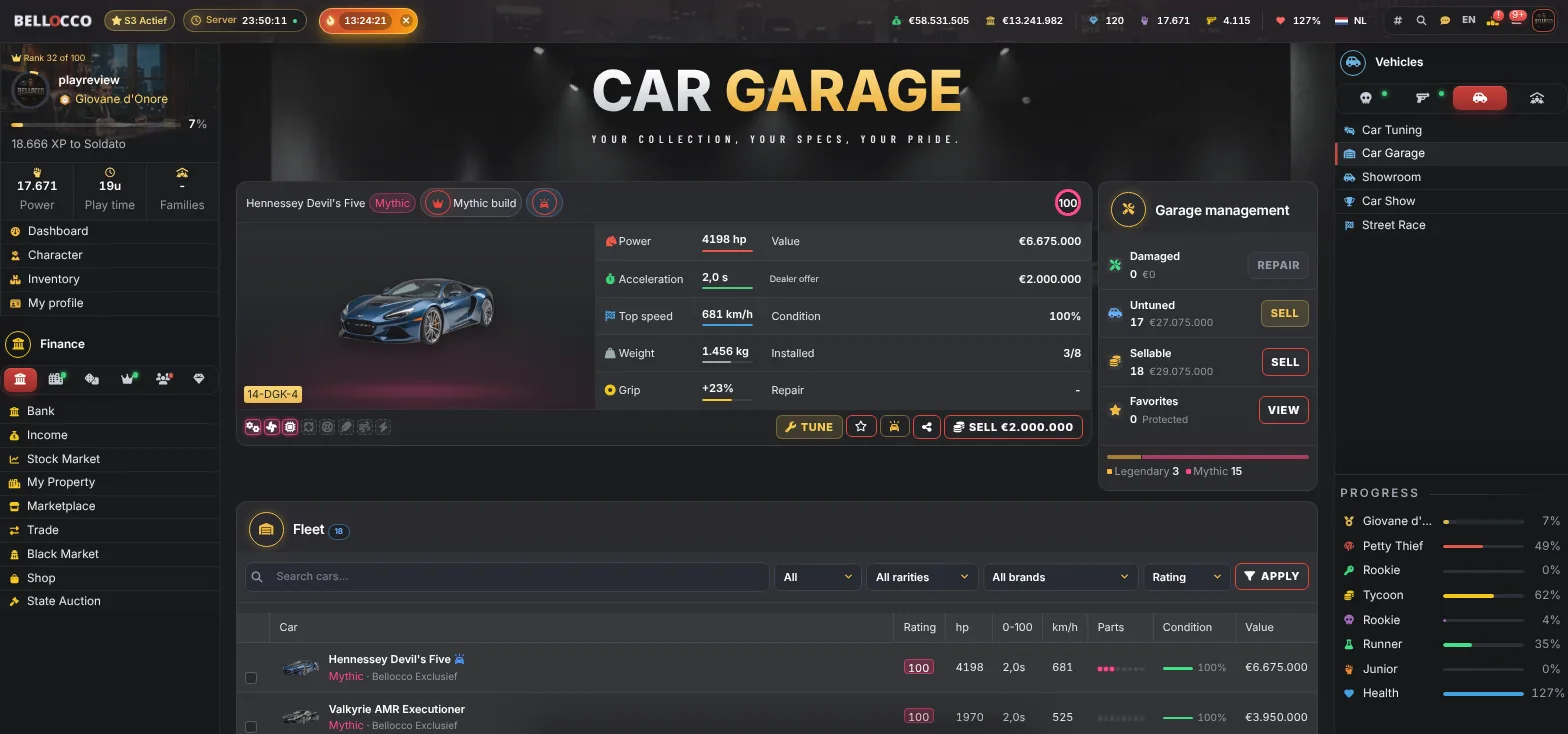
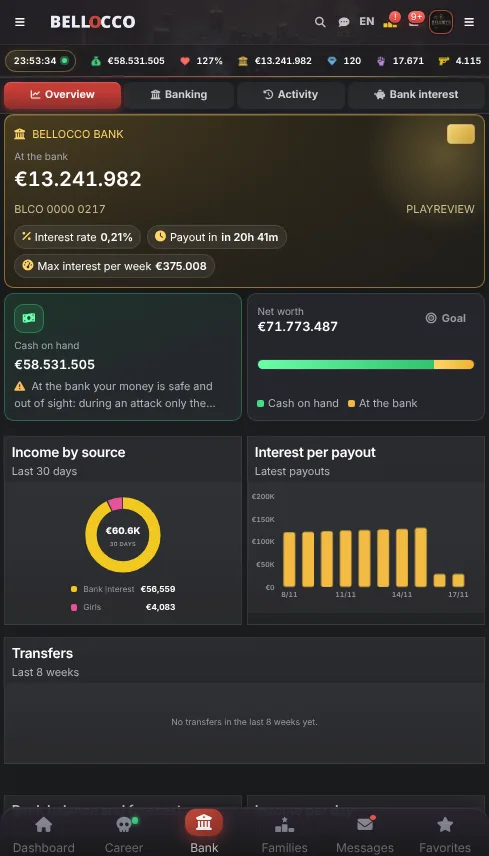
Start in 60 seconds
Create a free account with your email, Google or Discord. No credit card needed.
Follow the short onboarding: your first crime, your first cash, your first case.
Join a family, start climbing the rankings and be there when the World Boss spawns.
Live from the game: weapons
| Weapon | Damage | Price |
|---|---|---|
| Mano del Silent Killer | 235 | €9,700,000 |
| Fucile del Capo dei Capi | 235 | €9,700,000 |
| Trono del Cartel | 220 | €9,400,000 |
| Golden Don AR of the Godfather | 220 | €9,400,000 |
| Morte Silenziosa dell'Hitman | 205 | €9,100,000 |
What the app is
BELLOCCO: Mafia Empire is the official Android app of the game. You can get it on Google Play or through the link on the website. It is the same game as the browser version, with one account, one set of progress and the same rankings and families.
The app is free. In-app purchases such as diamonds, packs, cases, boosts and VIP go through your Google account, and none of them is required to play.
What the app adds
The main addition is push notifications. You can be told when you are attacked, released from jail, receive a message, or when a city event or the World Boss starts. Alerts are adjustable under the notification settings, and each type can be switched off.
The app also gives a faster feel: no browser bar, bottom navigation and quick search. The first time you play through the app you get a one-time welcome bonus in diamonds. A rating on Google Play is voluntary, not required and not rewarded.
How to install and start
Open the Google Play link on an Android phone or search for BELLOCCO in Google Play. Tap Install. Log in with an existing account or create one, and continue where you left off. If you already play in a browser, nothing needs to be moved.
On first start the app asks about notifications. You can change the choice later under Settings and then Notifications, or in the Android app settings.
Browser or app?
Both run the same systems. The browser needs no install and works on desktop and phone; the app adds alerts and a cleaner mobile layout. If you play a few minutes at a time, alerts are the biggest benefit, because attacks, jail releases and boss events are time-sensitive.
You can also switch freely between them during the day, since progress is always in sync.
The iPhone question
There is no iOS app. On an iPhone you play in Safari at bellocco.com and can use Add to Home Screen to launch it like an app. The game works in a mobile browser, but you will not get the same native push route as on Android.
This is a real limit and we say it plainly. If a native iPhone app is a requirement for you, BELLOCCO does not fit that need today.
What a first session on a phone looks like
Open the app, claim nothing manually, because the login bonus is credited automatically on your first visit of the day. Run a few crimes, bank the money, do one Gym set and check the daily tasks. In under five minutes you have used the main loops.
The interface is the same responsive layout as the website, so a menu or table you know from the browser is in the same place in the app.
Account, safety and age
You must be 18 or older. You can sign in with email and password or with Google, Facebook or Discord. Two-factor authentication is available, and the account page lets you change your name (10 diamonds) and email. Fair-play rules apply equally in the app.
The game never asks for your password in chat. If you see a request for one, report it.
Limits to know about
The community is smaller than that of older games, there is no story campaign and there is no text-only mode, although the systems are text and menu heavy. Paying is optional but saves time. Performance depends on your phone and connection.
Features and prices can change between versions, and this page reflects the rules read on 14 November 2026.
Settings worth changing in the first ten minutes
Open the notification settings before anything else. Push alerts are the biggest benefit of the app, but a phone that buzzes for every event gets muted by its owner within a day. Keep the alerts that cost you something when you miss them and switch the rest off.
- Keep on. Attacks on you, release from jail and the start of a World Boss, because they are time-sensitive.
- Consider on. City events and messages from friends or your family.
- Consider off. Anything you can read once a day anyway, such as ranking changes.
App or home-screen shortcut
On Android you can install the app or use the browser. The app gives push notifications and a cleaner frame. A browser shortcut needs no install and works the same on desktop. Players who switch between a work computer and a phone often use both, since the account and the progress are shared.
If your phone has limited storage, the browser version is a fair alternative. If you rely on alerts for jail releases or boss events, install the app.
What to do on your phone in five minutes
A five-minute session can be a full loop: run two or three crimes while the cooldown allows, bank the money, do one Gym set, check the daily tasks and read the push alerts. Longer sessions are for the map, the drug trade and the family.
If you have a slow connection, the interface remains usable because most actions are small page loads. Wi-Fi is not required, but a stable connection avoids half-finished actions.
Troubleshooting
If a purchase does not show up, wait a minute and reload, then use the support ticket system with the order details; the team can check payments. If notifications stop, check the app settings in Android and the notification settings in the game, and make sure battery saving is not blocking background alerts.
If you forgot your password, use the forgot-password link on the login page and set a new one by email. Do not share your password in chat or with anyone claiming to be staff.
Why alerts beat reminders
Cooldown games punish waiting at a screen. A push alert for the events that matter means you can leave the game and come back when something has happened, which makes five spare minutes more valuable than an hour of staring.
Data and storage
The app is a client for the server-run game, so your progress is not stored on the phone. Reinstalling or changing phones does not lose anything; log in with your account. Use a screen lock, because the account is the only thing between your phone and your game.
Best browser mafia games: what to look for · Best mobile mafia games · BELLOCCO Gazette
Browser mafia gameFree mafia gameMobile mafia gameText-based RPG appHow to start in a mafia browser gameFree to play mafia gameMultiplayer mafia gameWiki: Android appWiki: Daily routineWiki: Notifications and push
Questions fréquentes
Is there an Android app for BELLOCCO?
Yes. BELLOCCO: Mafia Empire is on Google Play and is free to install and play.
Do I need a new account for the app?
No. The app uses the same account as the website, so progress is always in sync.
Does the app have notifications?
Yes, push notifications for attacks, jail releases, messages, city events and the World Boss, each adjustable.
Is there an iPhone app?
No. On iPhone you play in the browser and can add the site to your Home Screen.
Are purchases required?
No. Purchases such as diamonds, packs, boosts and VIP are optional and go through Google Play.
Is there a bonus for installing?
A one-time welcome bonus in diamonds is given the first time you play through the app.
Can I play on desktop and phone at once?
Yes. Both use the same account and stay in sync.
Ready to rule the underworld?
Create your character in one minute and join over 1,000 players building their empire.